Deploy a Solution
Building your simulator in the Studio
We will continue using the Studio for the following steps. However, you can also use equivalent commands with the csm CLI that is installed alongside the studio. You'll find the useful commands at the end of this page.
Now let's move to the third view, which is the most important one for today's work: the Solution Builder.
Solution Builder
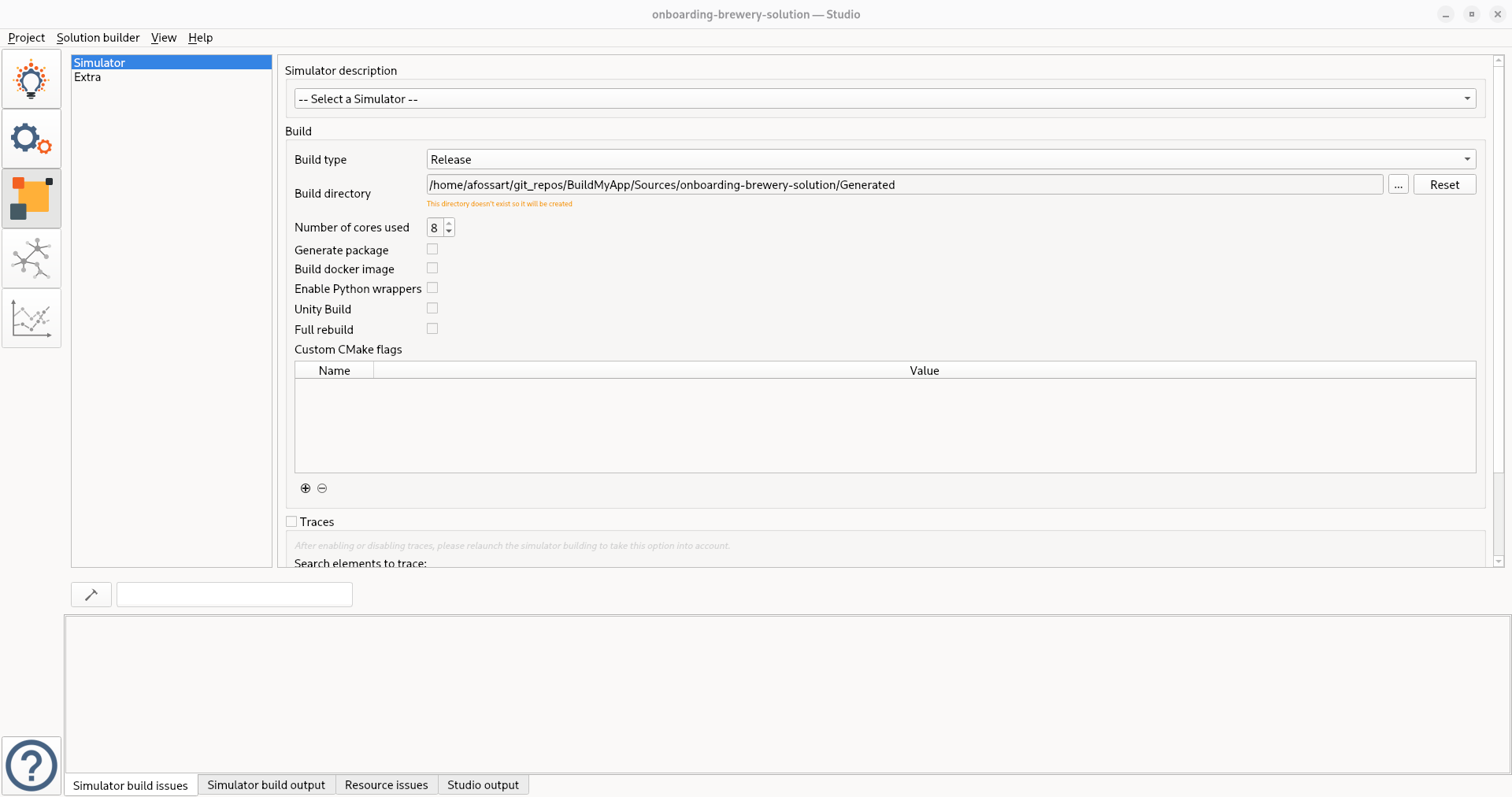
In this view, you will configure the build process for the Simulator defined in the previous views.
Once the build is successful, you must restart the Studio for the changes to take effect.
The content generated by the build process will be placed in a Generated folder by default.
Checkpoint
By now you should have a built simulator, you can check if it is working by running Generated/Build/Bin/csm-simulator --version.
Back
To continue, go back to: